 ROMIND
MESSENGERS / Work
Team & roles
A new designer starts on Monday. Invite them to the right group and decide what they can see.
Final preparations for releaseApp screens
1 / 6


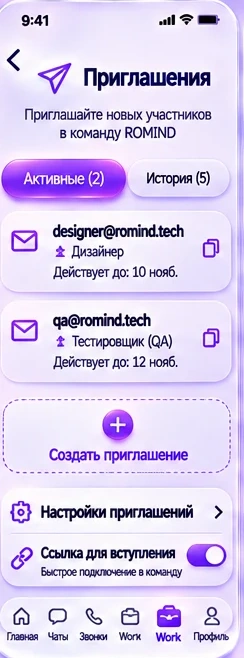


Invite a colleague
Invite colleagues to the project team and choose a role for each person. Team membership determines who can see the work.
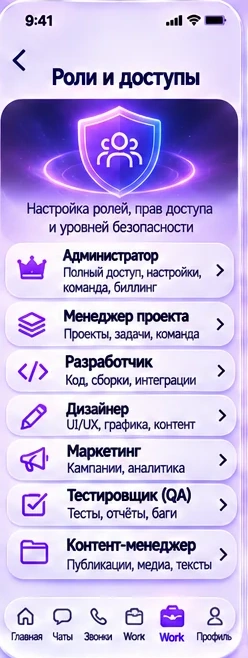
Choose responsibilities
Roles and permissions define the actions a person should be allowed to take. Team groups are a separate way to organise people around the work they share.
Review changes
Team activity records invitations and changes to membership and roles.